


Turn a PDF into an interactive language-learning material
Add a PDF to a project, work with its text, and connect reading to vocabulary, questions, and later practice.
Start without signing up by opening a material from the public library.
The user need
A PDF does not have to remain a static page
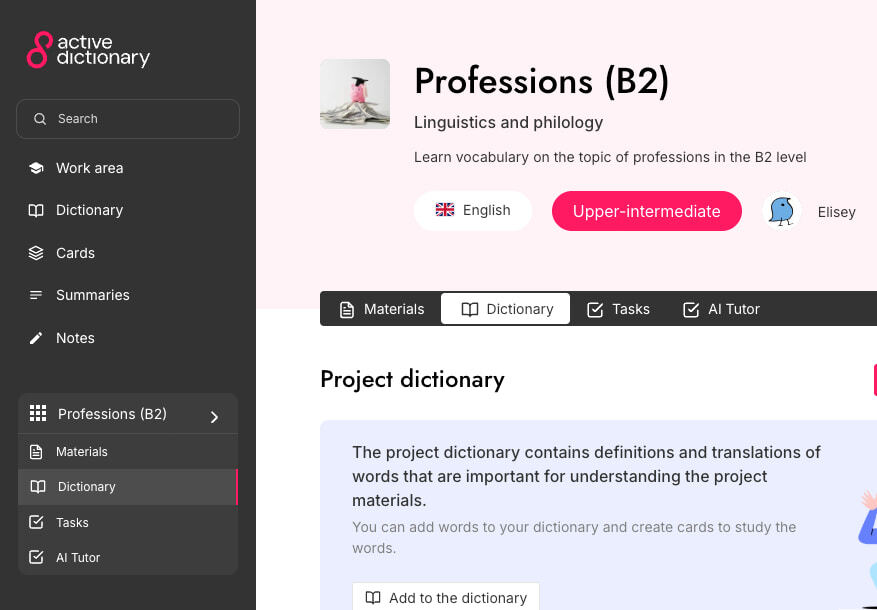
When a document becomes part of the workspace, you can explore language while reading and preserve the link between passage, vocabulary, and practice.
How to begin
Three clear steps from source material to active practice.
- 1
Add a PDF
Upload the file to your project. Scanned documents can use OCR processing.
- 2
Work with the text
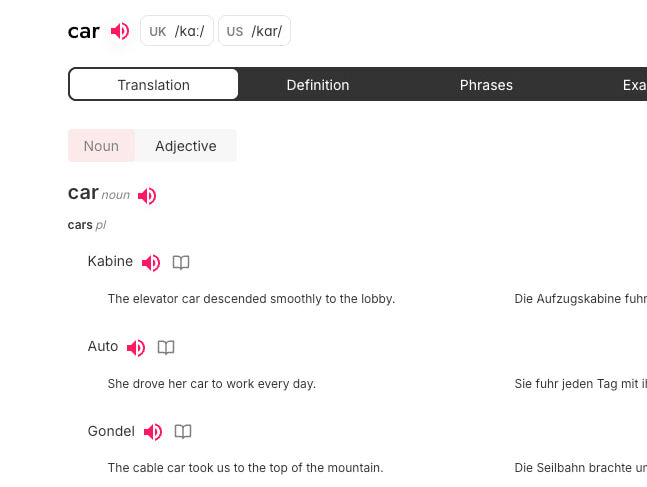
Select supported passages, explore words, and ask questions about the content.
- 3
Save and use the language
Add useful items to your dictionary and use the material as the basis for further practice.
Available now
Capabilities in the current product
Only features supported by the Active Dictionary product and specification.
- PDF viewing inside the project workspace.
- OCR processing for PDF files when required.
- Word actions and supported text selections.
- A word radar, AI tutor, and connection to the personal dictionary.
Frequently asked questions
What is the automatic OCR limit?
In the current version, automatic OCR is designed for PDF files of up to 50 pages.
Does every PDF need OCR?
No. It depends on whether the file already contains a usable text layer or consists of scanned pages.
Can I try PDF without signing up?
You can explore ready-made public materials. Uploading your own PDF and creating a project requires sign-in.