


Turn YouTube videos into active language practice
Watch a video that interests you, work with the language in its available captions, and turn viewing into vocabulary, questions, and active practice.
Start without signing up by opening a material from the public library.
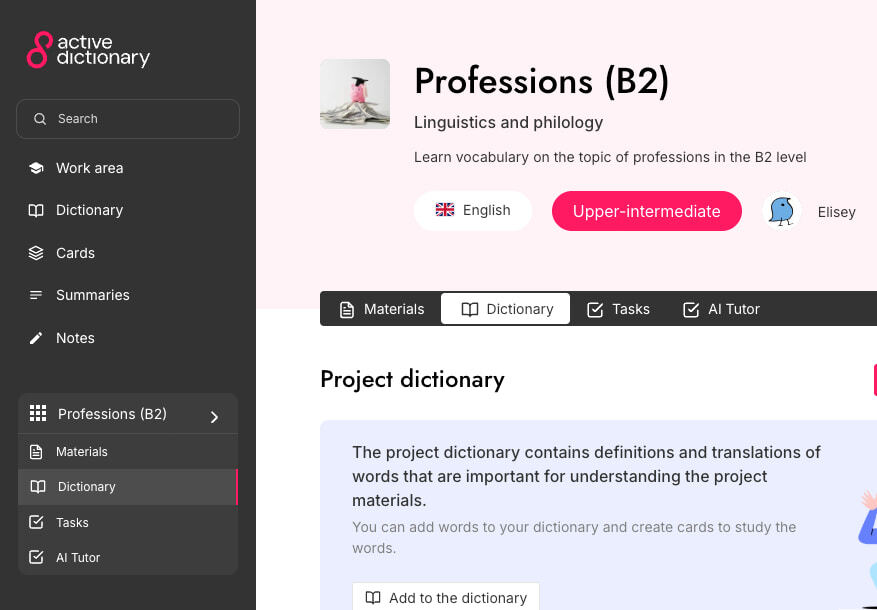
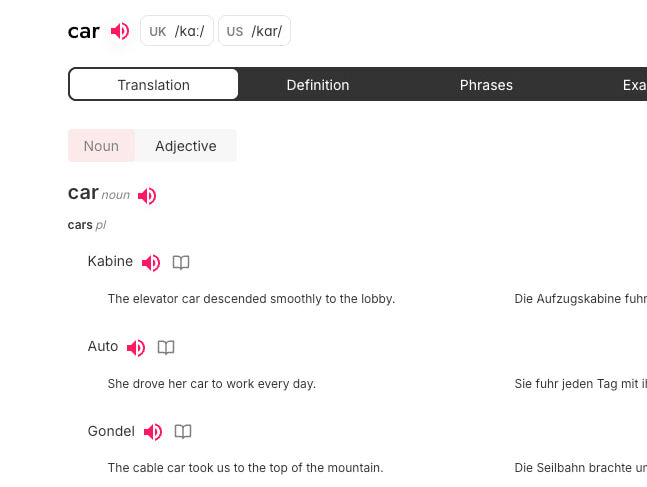
The user need
A video becomes more useful when its language stays with you
Captions connect spoken language to text. They make it easier to notice vocabulary, clarify meaning, and revisit the content in practice.
How to begin
Three clear steps from source material to active practice.
- 1
Choose a video with captions
Interactive work requires captions to be available for the YouTube video.
- 2
Explore the language in the video
Work with caption text, words, and context while watching.
- 3
Discuss what you watched
Use the video as the basis for questions and speaking practice after sign-in.
Available now
Capabilities in the current product
Only features supported by the Active Dictionary product and specification.
- Interactive YouTube work when captions are available.
- A connection between video, caption text, and vocabulary actions.
- An AI tutor and questions about the material.
- A path from watching into speaking and other practice.
Frequently asked questions
Will any YouTube video work?
No. Interactive work requires available captions, and their availability depends on the particular video.
Can I work with audio alone, without captions?
The currently verified interactive YouTube workflow depends on available captions.
Do I need to sign in to watch?
You can explore ready-made public media without signing up. Personal actions and speaking require sign-in.