


Learn with content you genuinely care about
Take an article, story, or video you already want to explore and turn it into a connected language-learning workflow.
Start without signing up by opening a material from the public library.
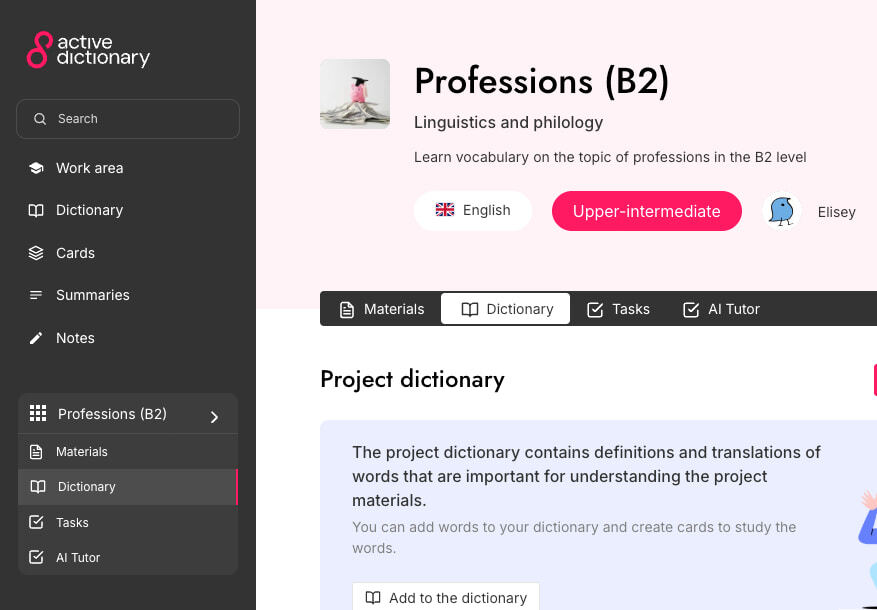
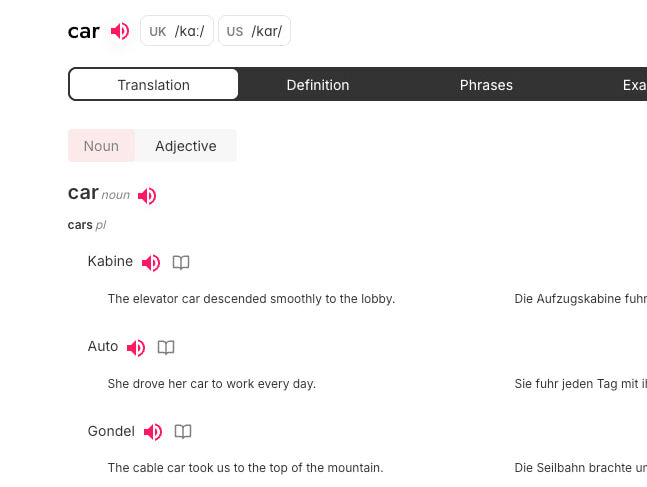
The user need
Unfamiliar language should not interrupt genuine interest
A quick translation explains one phrase but rarely connects reading, new vocabulary, and later practice. Active Dictionary keeps that connection.
How to begin
Three clear steps from source material to active practice.
- 1
Choose a material
Start in the public library or add your own text, video, or PDF to a project.
- 2
Explore the context
Translate selections, investigate words, and ask the AI tutor about the content.
- 3
Return to the language actively
Use its vocabulary in writing and speaking, save it to your dictionary, and review it with cards.
Available now
Capabilities in the current product
Only features supported by the Active Dictionary product and specification.
- Contextual translation and analysis of words and selections.
- Word and phrase radars for finding relevant language.
- An AI tutor and comprehension questions about the content.
- A personal dictionary, cards, writing, and speaking practice.
Frequently asked questions
Do I have to upload my own material?
No. Choose a ready-made project, text, or video from the public library for your first visit.
Can I use fiction and general-interest articles?
Yes, when the source is available as a supported text, video, or PDF. The tools stay connected to the content of that material.
When do I need an account?
You can view public materials without an account. Sign-in is required for your own project, saved personal progress, and personal trainers.